Your Mac.
Lighter than air. Faster than ever. Beautifully clean.

Visualize your entire file system in seconds, strip out hidden bloated architecture, and instantly reclaim gigabytes of space with absolute precision.
Requires macOS 13.0 or later. Built exclusively for Apple Silicon and Intel.

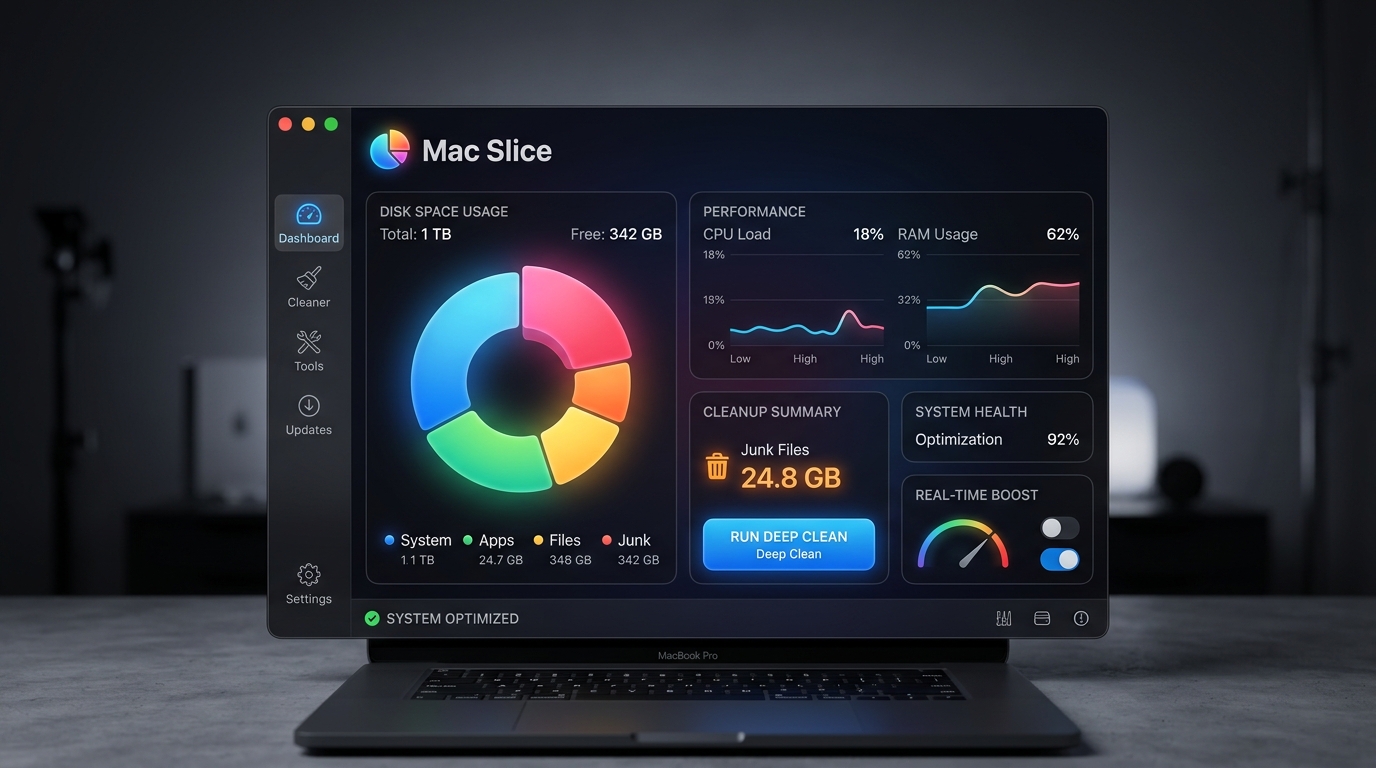
Mac Slice Interface

Storage management shouldn't feel like a chore. It should feel like magic.

Mac Slice was engineered from the ground up in pure Swift to be the fastest, safest, and most beautiful storage analyzer ever built for macOS. No bloated web frameworks. No spinning beachballs. Just pure, native performance.

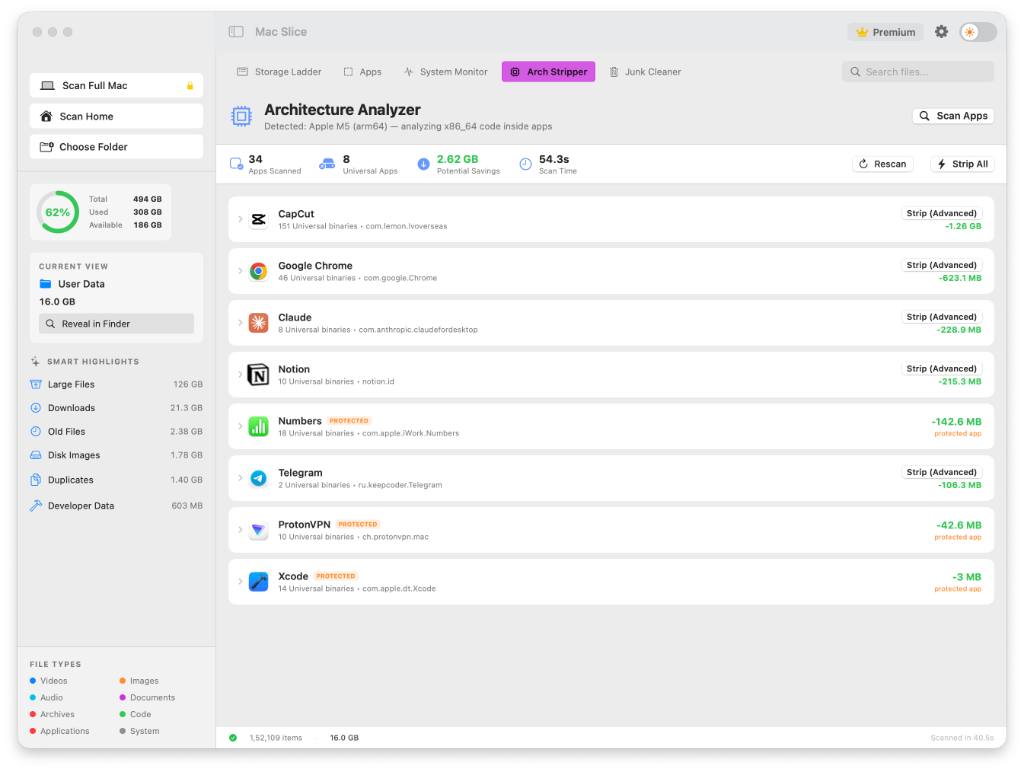
Architecture Stripper

Universal Binaries.
Universally bloated.

Over 60% of the apps on your Mac carry dead weight. Developers ship "Universal" apps containing both Intel (x86_64) and Apple Silicon (arm64) code so they run on any Mac. The problem? Your Mac only needs one of them.

Architecture Stripper

Deep System Clean

Find the ghosts in your machine.

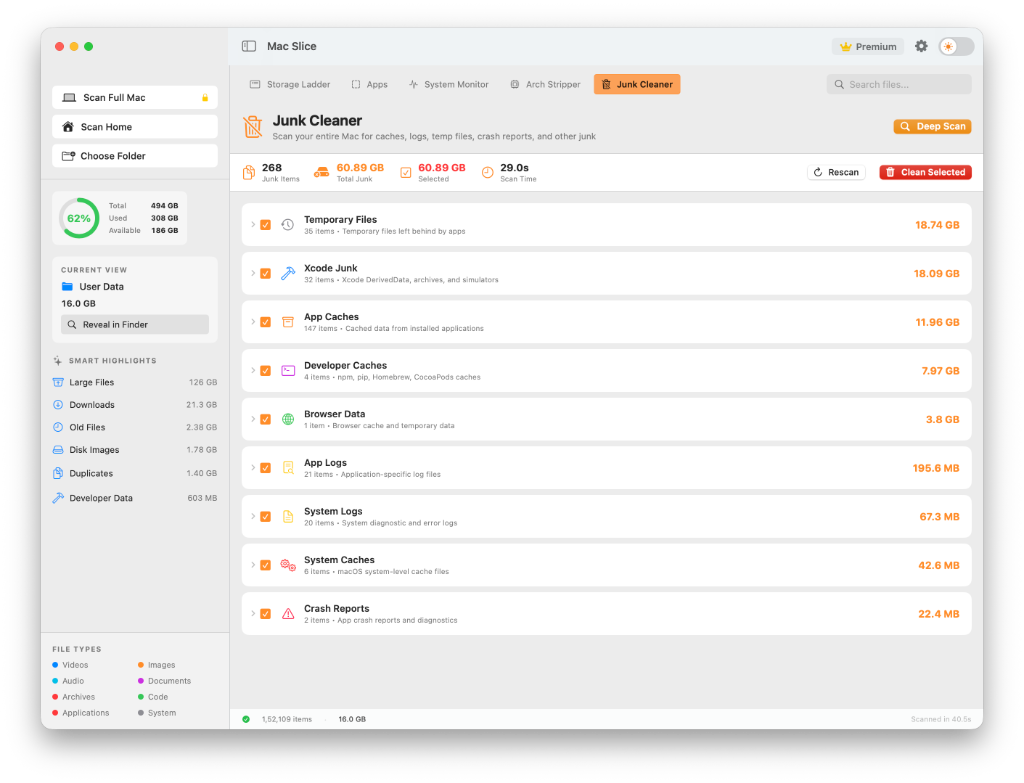
Go beyond the basics. Mac Slice scans the deepest layers of your library to find and eradicate hidden Xcode caches, orphaned developer logs, and massive temporary files.

Junk Cleaner

Complete Uninstallation

Leftover App Residue.

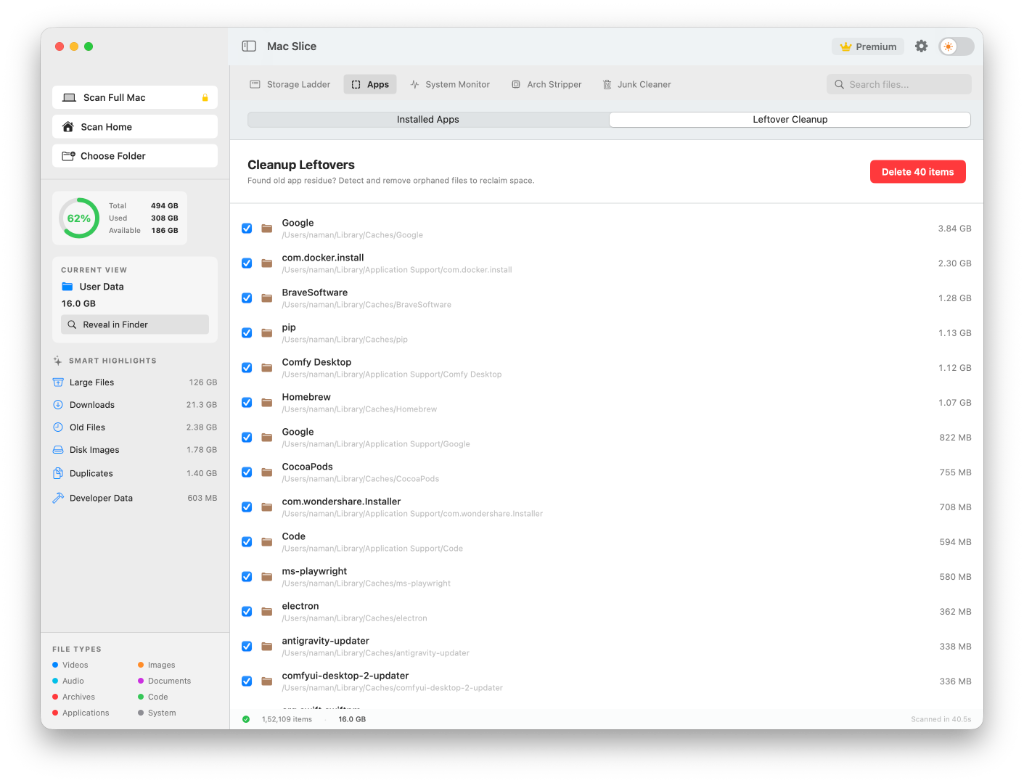
Dragging an app to the trash leaves behind gigabytes of preference files, application support folders, and hidden caches. Mac Slice hunts them down and safely obliterates them.

Leftover App Residue

Real-Time Telemetry

Your Mac’s vitals,
at a glance.

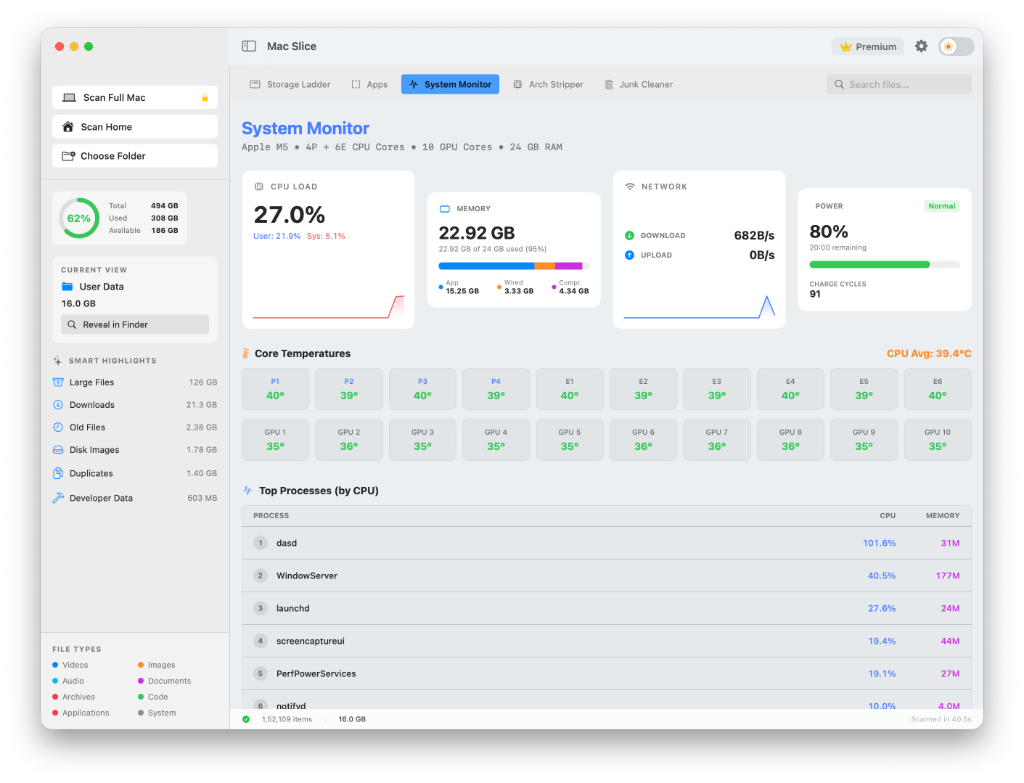
Monitor your CPU load, memory pressure, and live network speeds in a beautifully designed dashboard. Keep an eye on core temperatures across your P-Cores, E-Cores, and GPU.

System Monitor

Small details. Massive impact.

Every inch of Mac Slice is designed to make you faster and give you total control over your machine.

Global Spotlight Search

Press ⌘⇧Space from anywhere in macOS to instantly summon the Mac Slice search bar. Find massive hidden files or ancient developer caches without even opening the main app.

100% Native Swift

No Electron. No Chromium bloat. Built purely with Apple's native frameworks for instantaneous launch times and zero battery drain.

Smart Highlights

Don't want to dig? Mac Slice automatically surfaces your largest downloads, oldest files, and heaviest developer folders the second you launch.

Menu Bar Ready

Always one click away. Monitor your disk usage and trigger quick cleans right from your Mac's menu bar.

How Mac Slice Works

A look under the hood at our lightning-fast cleaning engine.

01

Deep System Traversal

Mac Slice uses high-performance native Swift file enumerators to scan millions of files in seconds, bypassing slow generic methods to rapidly map your entire drive.

02

Intelligent Pattern Matching

Our engine actively hunts for heavy developer directories (like node_modules and .venv), dormant AI models (Hugging Face, Ollama), and bloated Universal Binaries.

03

Safe & Surgical Removal

We don't just blindly delete. Mac Slice carefully extracts unused architecture code (lipo commands) and clears orphaned cache folders while strictly protecting system integrity.

One tool. Three ways to slice it.

Choose the plan that fits your Mac. Upgrade anytime.

Free

$0

Perfect for a quick look around.

Download Free
  • View live system telemetry
  • Basic storage mapping
  • Reveal exact junk file paths
  • Deep clean developer caches
  • Strip Universal Binaries

Pro for a Year

$9.99/yr

All features, billed annually.

  • Everything in Free
  • Reveal exact junk file paths
  • Deep clean developer caches
  • Strip Universal Binaries
  • App uninstaller with cleanup

Questions about Mac Slice

The free version allows you to map your entire drive, view live system telemetry, and see how much space is consumed by junk. However, exact file paths and bulk-cleaning features are locked behind Pro.

The built-in Apple tool is great for basic file deletion, but it doesn't find orphaned developer caches (like pip, node_modules), hidden AI models, or let you surgically strip Universal Binaries to save gigabytes.

Yes. We use standard command-line tools to safely extract the architecture you don't need (e.g., removing Intel code from an Apple Silicon Mac). We ensure critical app signatures remain completely intact.

No. We detest subscription software for utilities. You pay once for the Lifetime License and own all current and future features forever.

Mac Slice is a Universal Binary, meaning the single download works natively and beautifully on both Apple Silicon (M1/M2/M3/M4) and Intel Macs.

Yes. If you aren't completely thrilled with the amount of storage Mac Slice reclaims, just email us within 15 days for a hassle-free full refund.

Get your gigabytes
back starting at $9.99.

One payment, yours for good. If it doesn't earn its place in
15 days, email us for a full refund.

One-time payment · 15-day money-back guarantee